App Launch Checklist: Before, During & After Launch
Table of Contents
- Introduction
- Set an app launch gate before scheduling promotion
- One week before: production and compliance
- One week before: payments, tax, accessibility, and stores
- Final 24 hours: analytics, indexing, onboarding, and support
- Launch day: operate first, announce second
- Product Hunt, Hacker News, Reddit, email, and directories
- First 72 hours: stabilize and triage
- First 30 days: turn launch data into decisions
- Bottom line
- Introduction
- Set an app launch gate before scheduling promotion
- One week before: production and compliance
- One week before: payments, tax, accessibility, and stores
- Final 24 hours: analytics, indexing, onboarding, and support
- Launch day: operate first, announce second
- Product Hunt, Hacker News, Reddit, email, and directories
- First 72 hours: stabilize and triage
- First 30 days: turn launch data into decisions
- Bottom line
Introduction
An effective app launch checklist starts with production safety. Before promotion, confirm that users can sign up, reach the product’s core outcome, pay, recover access, delete their accounts, and get help.
Use these labels throughout:
- Verified fact: a documented requirement or capability linked to its primary source.
- Editorial recommendation: a practical default to adjust for your product and risk.
- Illustrative calculation: fictional numbers, not a benchmark or traffic promise.
Set an app launch gate before scheduling promotion
Make the launch date conditional.
Editorial recommendation: appoint one launch owner to manage the checklist, launch decision, rollback call, and incident updates. Assign every item an owner and require evidence: a test result, screenshot, dashboard link, or restored backup.
| Gate | Pass condition | Stop the launch when |
|---|---|---|
| Core trip | A new user reaches the intended outcome | Signup, onboarding, or the primary action fails |
| Payments | Purchase, webhook, refund, and cancellation paths work | Access is granted without payment or retained incorrectly |
| Recovery | Rollback and database restore have been rehearsed | Backups exist but have never been restored |
| Security | Secrets, authorization, uploads, and rate limits are checked | Users can access another user’s data |
| Operations | Alerts, support, status page, and escalation owner are ready | Users must report failures before you detect them |
| Measurement | Acquisition, activation, payment, and errors are visible | You cannot tell whether the core trip works |
If you used generated code, run a security checklist. AI assistance does not verify authorization boundaries, secret handling, or destructive edge cases.
One week before: production and compliance
Freeze speculative features and test the deployed system with production-like accounts, permissions, quotas, and payment modes.
| Item | What to verify |
|---|---|
| Authentication | Signup, login, logout, reset, verification, session expiry, OAuth failure |
| Authorization | Tenant separation and object ownership using two unrelated accounts |
| Secrets | No keys in client bundles, logs, screenshots, prompts, or repository history |
| AI controls | Per-user limits, input caps, timeouts, retry caps, abuse handling, cost ceilings |
| Database | Safe migrations, launch-query indexes, tested backup restoration |
| Uploads | Server-side type and size validation; private storage where appropriate |
| Deployment | Health check, rollback command, previous artifact, configuration diff |
| Monitoring | Alerts for severe errors, payment failures, job backlogs, and rising failure rates |
Use dependency and secret scanning, but manually test business authorization. Send a production test exception through an error tracker such as Sentry and confirm the correct person receives it.
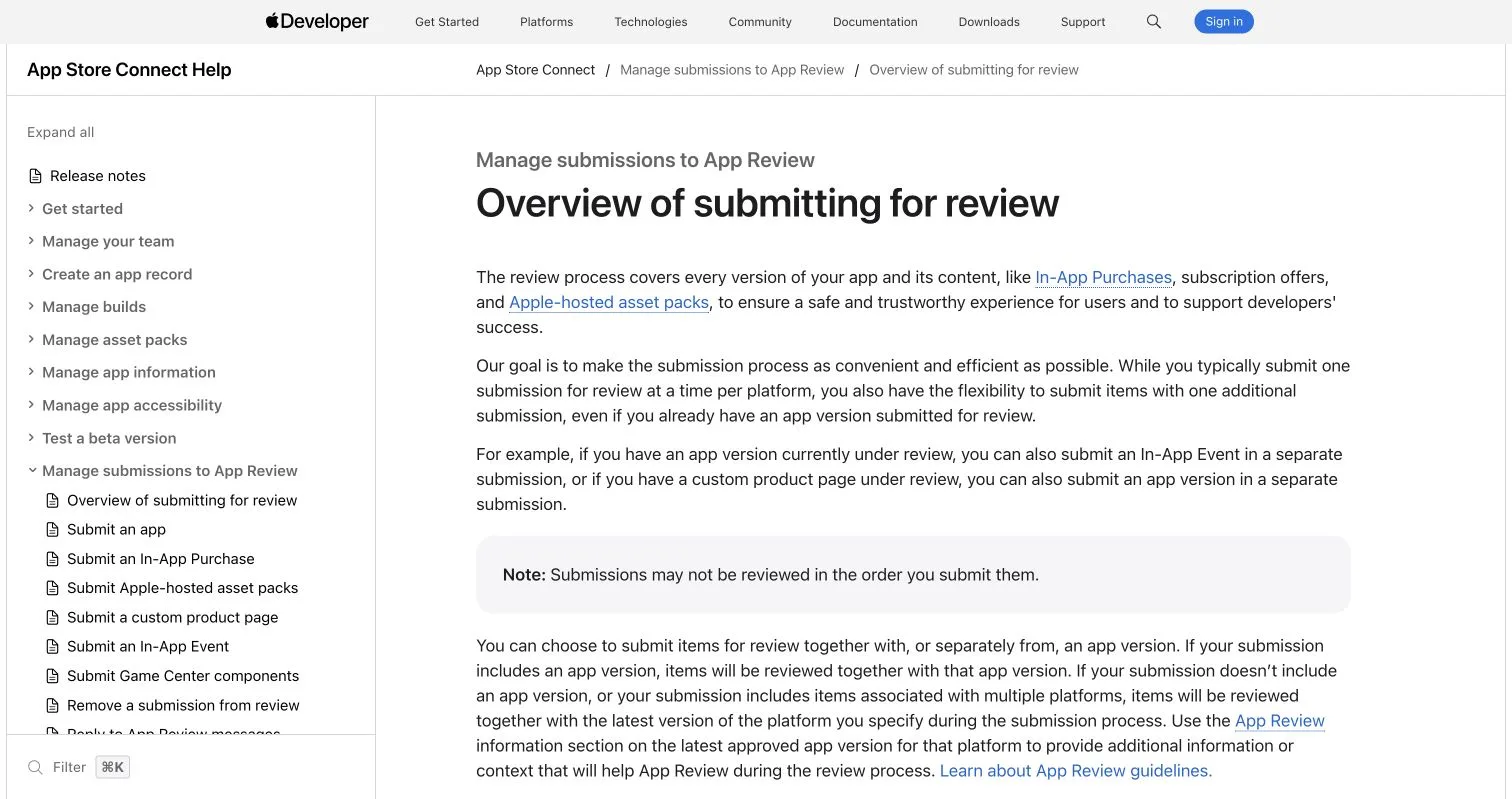
Verified fact: Apple requires an accessible privacy-policy link and in-app account deletion when an app supports account creation. Apple also reports that more than 40% of unresolved review issues concern app completeness, including crashes and placeholder content. Review the App Store Review Guidelines and App Review guidance.
Verified fact: Google Play requires a Data safety declaration covering third-party SDKs. Apps declaring no data collection must still complete it and provide a privacy policy. Apps with account creation must offer deletion initiation in the app and through an external web resource. Check the current Data safety requirements and Developer Program Policy.
One week before: payments, tax, accessibility, and stores
Test successful and failed cards, duplicate and delayed webhooks, refunds, upgrades, cancellations, expired checkout sessions, and invoice emails.
| Decision | Rule |
|---|---|
| Processor | Confirm supported countries, currencies, payouts, and live credentials |
| Merchant of record | Consider one if transferring tax collection and remittance justifies its fees and constraints |
| Entitlements | Grant access from verified server-side payment state; replay and reorder webhook events |
| Tax | Record registrations, tax codes, location evidence, and filing ownership |
| Refunds | Publish the policy and verify that access and accounting update correctly |
Verified fact: Stripe says businesses must register with the relevant authority before collecting tax in a location, although thresholds and timing vary. Stripe Tax can calculate and collect after configuration but cannot determine your legal obligations. Review how Stripe Tax works and the AnyPoss Stripe overview. Obtain qualified advice for jurisdictions where you sell.
Test the complete web trip with a keyboard, visible focus, browser zoom, and a screen reader. Check labels, errors, heading order, contrast, dialog focus, and reduced motion. W3C recommends WCAG 2.2, with testable A, AA, and AAA criteria; see the official WCAG overview.
Submit mobile apps early enough for review delays. Current Google documentation requires new apps and updates to target Android 15, API level 35, subject to separate form-factor rules. Recheck the target API requirements before submission.
Prepare store copy, privacy labels, ratings, review credentials, support and deletion URLs, icons, screenshots, and release notes. Apple accepts one to 10 screenshots in specified formats. Google requires an app icon and a 1024 × 500 feature graphic. Use the current Apple screenshot specifications and Google Play preview-asset requirements.
Final 24 hours: analytics, indexing, onboarding, and support
Instrument decisions, not every click.
| Event | What it answers |
|---|---|
landing_view |
Which sources attract relevant visitors? |
sign_up |
Where does acquisition become an account? |
activation_completed |
Are users reaching the promised outcome? |
checkout_started |
Is pricing intent present? |
purchase |
Which sources produce verified revenue? |
subscription_cancelled |
Why are users leaving? |
support_requested |
Where does the interface fail to explain itself? |
Google Analytics recommends events including login, sign_up, purchase, refund, tutorial_begin, and tutorial_complete; see the GA4 recommended-events reference. Alternatives include PostHog, Plausible, and Amplitude.
Test events in production, exclude team traffic where practical, avoid sensitive content in properties, and reconcile purchases against the payment provider.
Final checks:
- Remove staging banners, placeholders, debug routes, test coupons, and unintended
noindexdirectives. - Verify canonical URLs, previews, favicon, sitemap, robots rules, redirects, titles, and descriptions.
- Submit the sitemap and inspect the main URL in Search Console. Google says crawling can take days to weeks and requests do not guarantee inclusion; see Google’s recrawl guidance.
- Run onboarding from a clean browser and fresh mobile install.
- Test support externally and prepare replies for login, billing, deletion, and outages.
- Publish a status page and prepare a changelog, known-issues note, and rollback message.
Launch day: operate first, announce second
Run a quiet production check before announcing.
| Stage | Action |
|---|---|
| Before announcement | Confirm release; test signup, activation, purchase, and email receipt |
| First announcement | Contact opted-in users and publish on owned channels |
| During launch | Watch errors, latency, payments, activation, support, queues, and AI spend |
| End of day | Record incidents, decisions, owners, and follow-up dates |
Prepare a one-sentence description, captioned demo, three to five real screenshots, founder note, product and policy links, channel-specific copy, and campaign parameters that do not expose personal data.
If you launch a vibe-coded app, explain what it does and how you tested it; the coding method does not establish reliability.
Illustrative calculation: 800 visitors, 120 signups, 60 activations, and 12 purchases produce a 15% signup rate, 50% activation among signups, and 1.5% visitor-to-purchase conversion. Segment by source and consider sample size before acting.
Product Hunt, Hacker News, Reddit, email, and directories
Choose channels where intended users already discuss the problem.
| Channel | Launch rule |
|---|---|
| Product Hunt | Use accurate assets, reply as the maker, and never buy or reward upvotes |
| Show HN | Offer something usable, explain how and why you built it, and do not solicit votes |
| Read community rules, disclose your connection, and avoid repeated cross-posting | |
| Contact opted-in users, explain why, and provide unsubscribe | |
| Directories | Submit once to relevant, maintained catalogs |
Product Hunt says the best launch day is when you are prepared; launches follow a Pacific-time cycle and can be scheduled one month ahead. Its guide reports that 70% of products achieving Product of the Day, Week, or Month included a maker’s first comment—an association, not a promise. See the Product Hunt preparation guide.
Hacker News requires Show HN submissions to be usable and prohibits soliciting votes or comments; read the Show HN rules. Reddit’s spam policy prohibits repeated or unsolicited mass engagement.
For email, test rendering, replies, unsubscribe behavior, domain authentication, and suppression lists. Compare Resend, Postmark, and Loops if needed.
First 72 hours: stabilize and triage
Do not rebuild the product around the loudest comment.
| Priority | Examples | Action |
|---|---|---|
| P0 | Security flaw, data loss, exposed secret | Restrict access, rotate credentials, preserve evidence, communicate |
| P1 | Signup, payment, or core-trip failure | Mitigate or roll back before further promotion |
| P2 | Widespread friction or broken secondary flow | Confirm frequency and schedule a focused fix |
| P3 | Feature request or isolated preference | Tag and review after patterns appear |
Record affected users, reproduction steps, severity, frequency, workaround, owner, and decision. Publish status updates for incidents and a factual changelog after resolution.
First 30 days: turn launch data into decisions
Compare sources by activation, retention, support load, reliability, and revenue quality—not visits.
| Review | Decision question |
|---|---|
| Acquisition | Which sources bring users who activate? |
| Activation | Where do users abandon the core trip? |
| Reliability | Which failures affect the most users or revenue? |
| Retention | Do activated users return for the intended job? |
| Economics | Do price, AI cost, refunds, and support leave a workable margin? |
| Support | Which repeated questions indicate an interface or documentation problem? |
| Security | What changed during launch and needs rechecking? |
Retest restoration with production-shaped data. Audit administrator accounts, webhooks, API usage, failed jobs, deletion requests, tax settings, email complaints, and third-party permissions.
Editorial recommendation: ship small changes behind flags where possible, retain the previous deployment, update the changelog, and annotate analytics when releases alter the funnel.
Interview users who activated, abandoned onboarding, paid, and cancelled. Ask them to show what happened rather than whether they liked the app.
Bottom line
Protect users before promotion. Verify the core trip, payments, privacy, accessibility, monitoring, backups, support, and rollback. Delay the announcement if a stop condition fails.
After launch, fix security, data, payment, and core-trip failures first. Judge the first 30 days by activation, retention, reliability, support burden, and sustainable economics.